Deleting a Database Cleanse
Updated this month
Do you need to delete a database cleanse project? In this guide, you'll find out how to easily delete it in three simple steps
- Click the Projects button (1.).

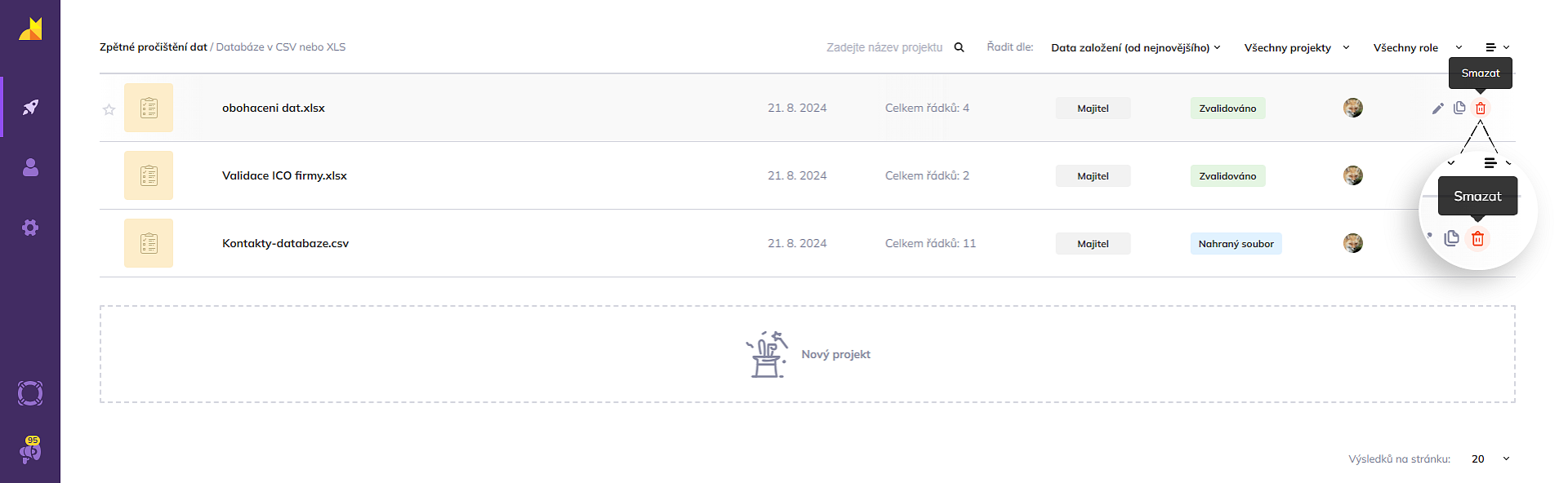
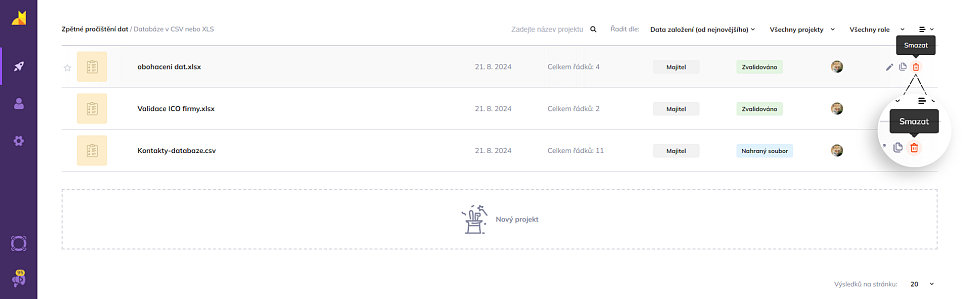
- Find the database cleanse project and click the Delete icon.
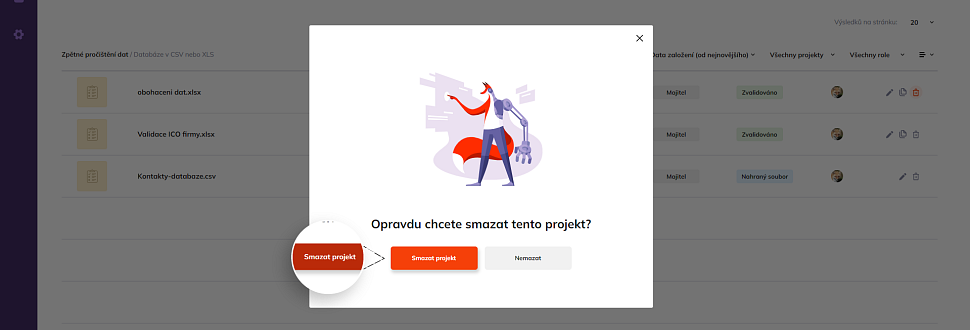
- A confirmation window will open; now click the Delete project button.